Image Formats
The image formats used when RenderGod turns video into frames or converts image sequences, and how to add your own.
Last updated By the RenderGod Team
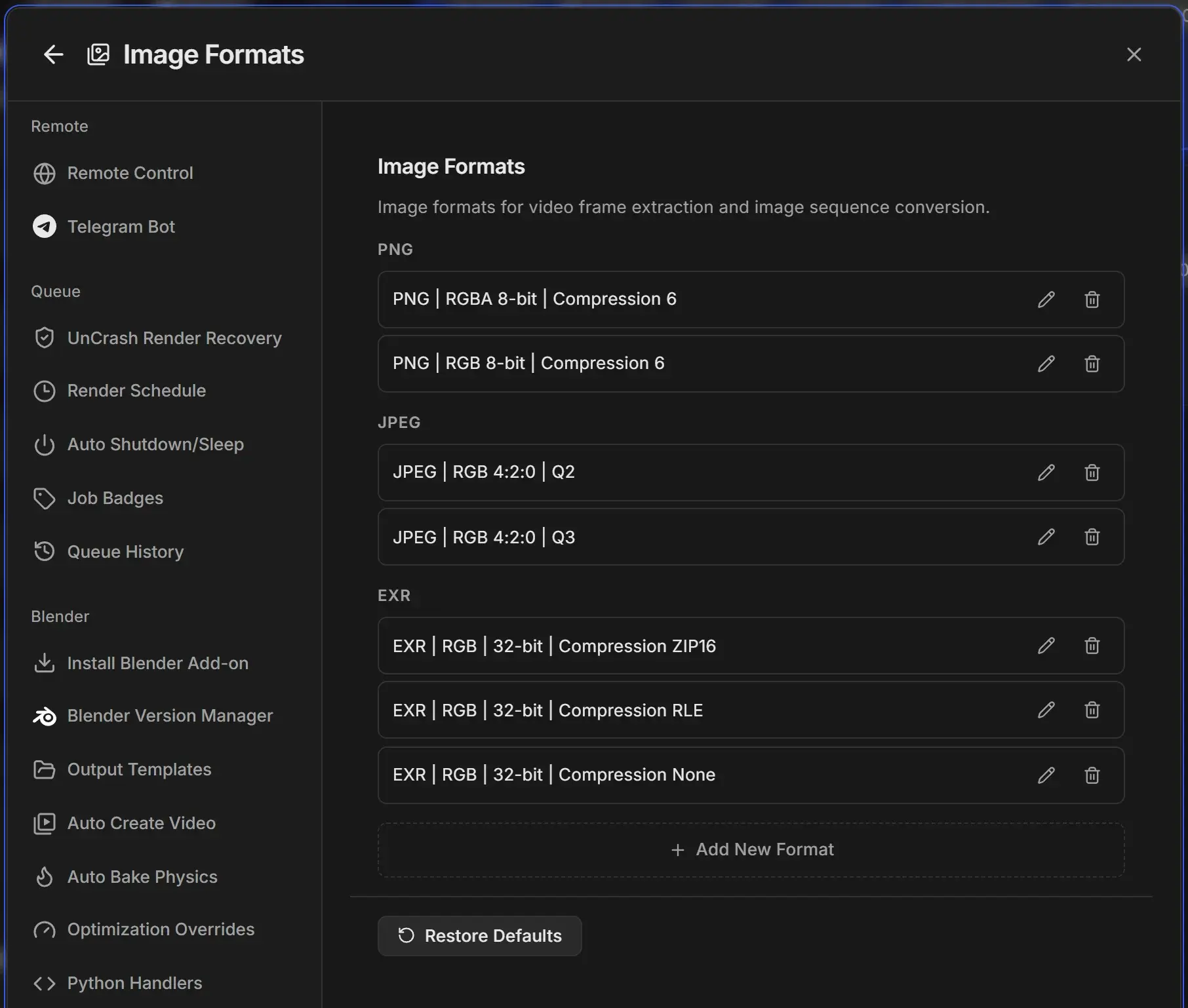
Image formats decide how frames are saved when RenderGod extracts them from a video or converts an image sequence to another format. They live in one library, so a format you add shows up in every image format list. For the formats Blender renders with, see Render Formats.
Image Formats are included in FREE and PRO.
Where they are used
- Video to Image Sequence: the Image Format of the frames.
- Convert Formats: an image sequence saved again in another format.
- Conversion Defaults: the format new video jobs switch to.
The library
Click Settings in the header, then Image Formats under Formats. You can also choose Image Format Manager at the end of any image format list.
- Edit: click next to a format.
- Delete: click , then Confirm.
- Restore Defaults: brings back any deleted built-in format. It does not undo your edits.
The built-in formats cover PNG, JPEG and EXR. TIFF, TGA, BMP and DPX are there when you add your own.
Add an image format
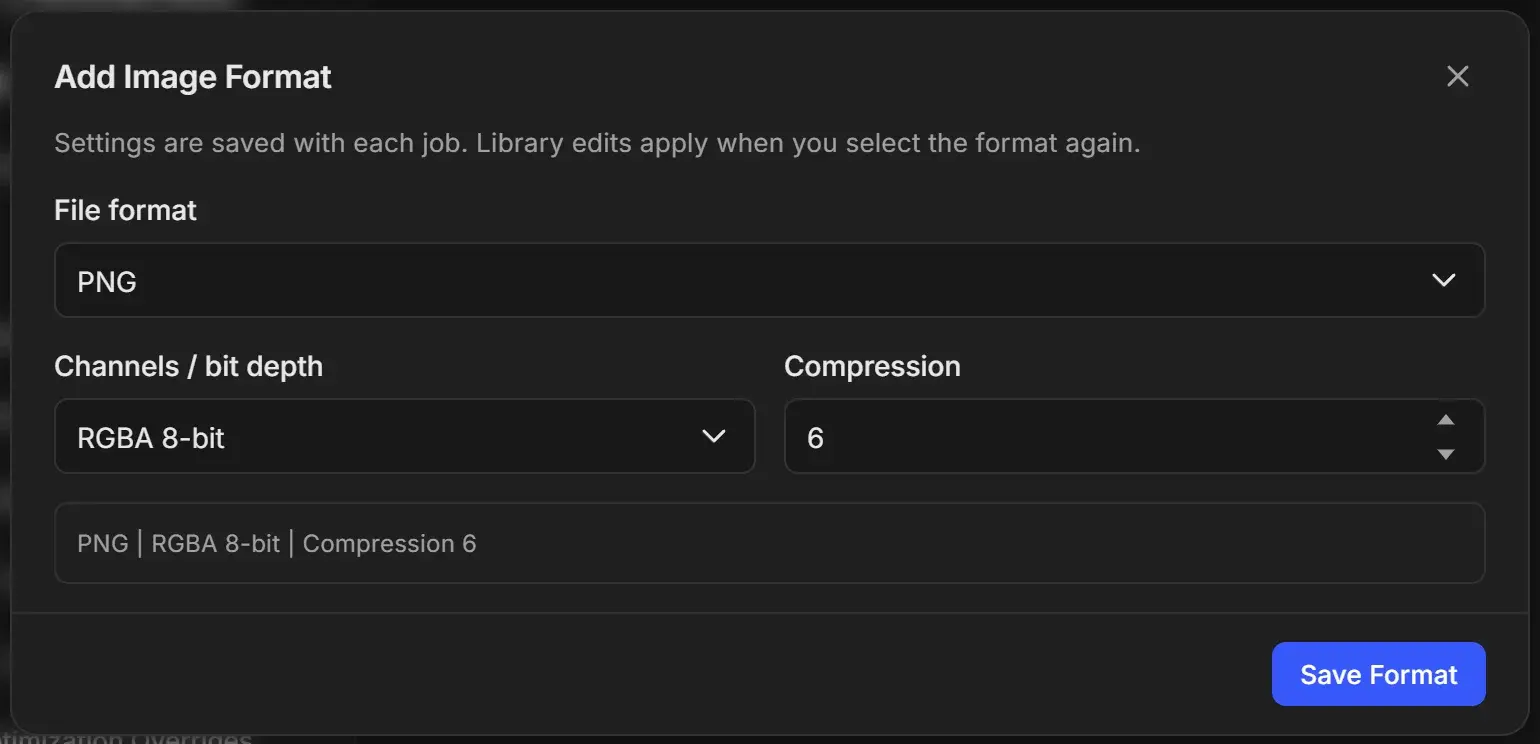
- Click Add New Format in the library.
- Choose the File format.
- Set its fields. They change with the file format.
- Check the name preview at the bottom. RenderGod names the format from its settings, such as
PNG | RGBA 8-bit | Compression 6. - Click Save Format.
| File format | Fields |
|---|---|
| PNG | Channels / bit depth (RGB or RGBA, 8-bit or 16-bit) and Compression. Lossless at any compression. |
| JPEG | Channels / bit depth (RGB 4:2:0 or RGB 4:4:4) and Quality, from 2 (best) to 31 (smallest) |
| EXR | Channels / bit depth (RGB or RGBA), Bit depth (16-bit or 32-bit) and Compression (None, RLE, ZIP1, ZIP16) |
| TIFF | Channels / bit depth (RGB or RGBA, 8-bit or 16-bit) and Compression (None, LZW, Deflate, PackBits) |
| TGA | Channels / bit depth (RGB or RGBA) and Compression (None or RLE) |
| BMP | Channels / bit depth (RGB or RGBA) |
| DPX | Channels / bit depth, from RGB 8-bit to RGBA 16-bit |
Pick RGBA when you need transparency, such as frames from a ProRes 4444 video. JPEG and BMP cannot keep it.
Jobs keep their format
A job keeps its own copy of the format it was given. If you later edit or delete the format, the job's list shows the old one under Detached (from this job). Pick a format from the library to switch the job to the current version.