Compositor
Choose whether a job runs Blender's compositing nodes, and which compositor it uses, without changing your .blend file.
Last updated By the RenderGod Team
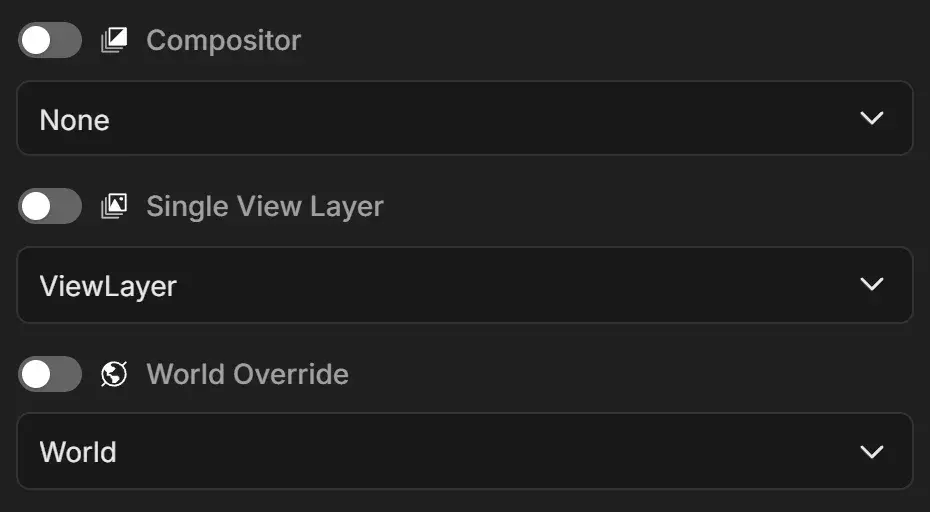
Compositor decides whether Blender's compositing nodes process each frame of the job. Turn it on to keep your color grading, glare and other node effects in the render. Turn it off for a clean render straight from the camera. The .blend file is not changed.
The Compositor is included in FREE and PRO.
Turn it on or off
Select the job. The Compositor switch is on the Scene card in the render panel, with a dropdown under it.
| Action | Result |
|---|---|
| Turn the switch on | The current compositor, or the first one available, is selected |
| Turn the switch off | The dropdown changes to None and the render skips compositing |
| Pick a compositor while the switch is off | The switch turns on |
| Pick None | The switch turns off |
New jobs start with the setting saved in the .blend file.
Choose a compositor
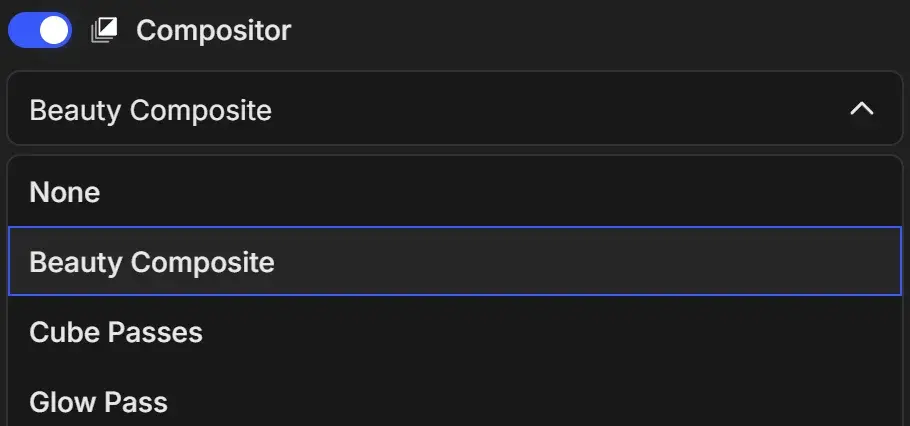
On Blender 4.x a file has one compositor, so the dropdown offers it and None. On Blender 5.x the dropdown lists every compositor node group in the file by name. Pick one per job to render the same shot with different looks, such as a graded version and a clean version.
To render both looks, duplicate the job (right-click it and choose Duplicate) and choose a different compositor on the copy. Use an output template with Version or Date + time so the two renders save to different folders. See Managing Jobs.
When the switch is locked
When the main output is set to Off - File Output nodes only (Blender 5.2 and later), the Compositor switch is locked on. File Output nodes are then the only thing that saves frames, and they need the compositor. See File Output Nodes.
With other options
- File Output nodes appear on the Output card only while the compositor that holds them is selected. See File Output Nodes.
- Single View Layer works together with the compositor, with one limit on compositors that read several layers. See Single View Layer.
- The job card shows a Compositor badge when it is on. See Job Badges.