Render a Single View Layer in RenderGod
Render only one Blender view layer per RenderGod job while the compositor is handled for you, so layers and passes can render as separate jobs.
Single View Layer renders only one view layer of the scene instead of all of them. Use it to split a file with several view layers, such as a beauty layer and a shadow catcher, into separate jobs that render and save independently.
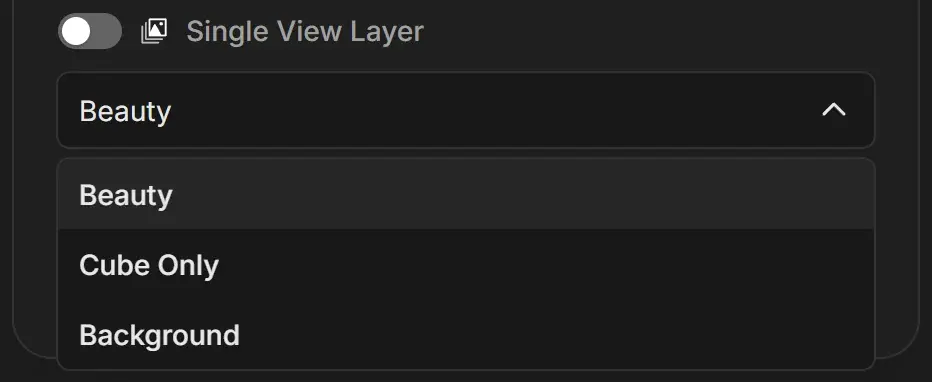
Render one view layer
- Select the job.
- Open the view layer dropdown under Single View Layer and choose a layer. The list shows every view layer in the scene.
- The Single View Layer switch turns on automatically and a notification confirms "Single View Layer enabled. Compositor will be managed automatically."
You can also turn the switch on first; the dropdown then uses the scene's active view layer.
On or off: what renders
| Switch | What Blender renders | Output folder |
|---|---|---|
| Off | Every view layer that is enabled for rendering in the scene. The dropdown only shows the active layer. | The View layer folder is left out |
| On | Only the chosen view layer. All other layers are disabled for this render. | A View layer folder with the layer name is added (Organized and Versioned templates) |
The change applies to the render only. The view layer settings in your .blend file stay as they are.
How the compositor is handled
Blender's compositor normally reads each view layer through a Render Layers node. With Single View Layer on, RenderGod keeps the compositor running and takes care of that connection:
- If the compositor has one Render Layers node, it is pointed at the view layer you chose.
- If the compositor has no Render Layers node, RenderGod builds a basic one for the render so the layer is still saved.
A compositor with more than one Render Layers node is flagged in amber. You then get a choice to Switch Compositor or Disable Single View Layer. See Use a specific compositor.
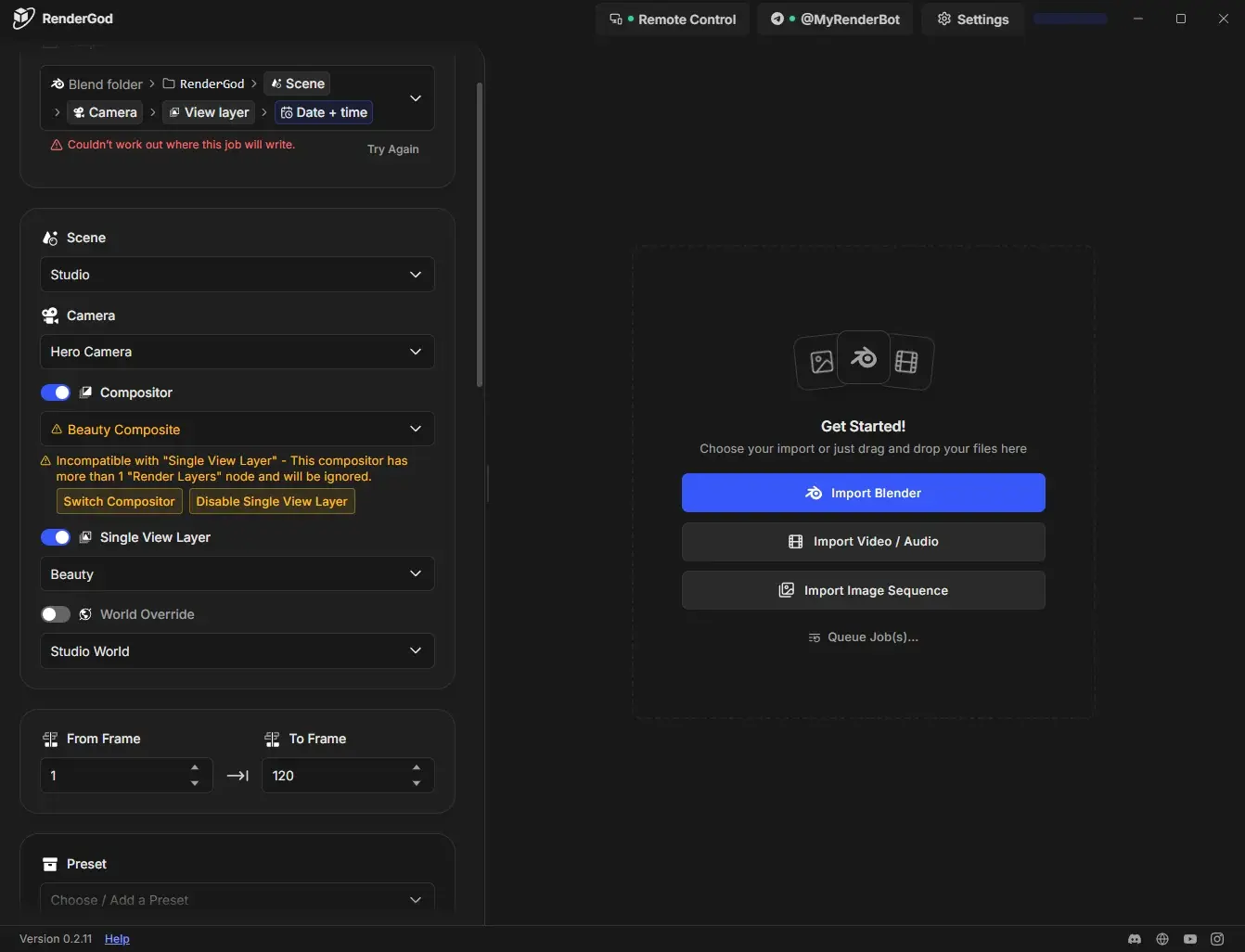
Render every view layer as its own job
- Set up the job and choose the first view layer.
- Duplicate the job for each extra layer.
- On each copy, choose a different layer.
Each job writes to its own view layer folder, and each can use different samples, format or engine. See Render view layers and passes to separate folders.