Choose Cycles or EEVEE as the Render Engine
Switch a RenderGod render job between Blender's Cycles and EEVEE engines and see which settings each engine shows, so you get the right quality and speed.
The Engine dropdown chooses which Blender render engine a job uses: Cycles or EEVEE. The job starts with the engine saved in the scene, and you can switch it per job without changing the .blend file.
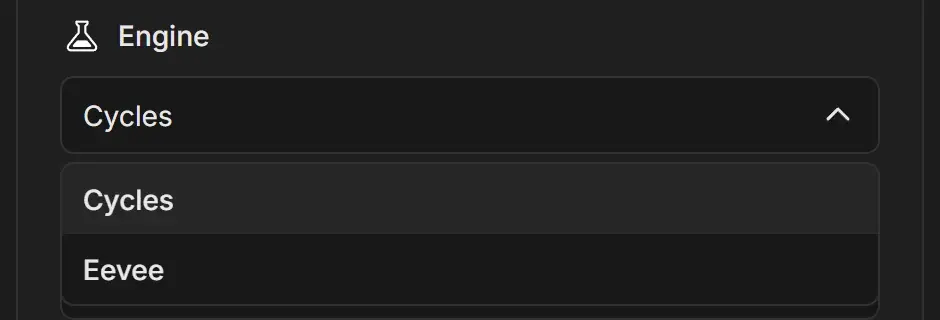
Pick the render engine
- Select the job.
- Open the Engine dropdown in the render settings card.
- Choose Cycles or Eevee.
| Engine | How it renders | When to use it |
|---|---|---|
| Cycles | Path tracing. Physically accurate light, reflections and shadows. Slower per frame. | Final product shots, architecture, anything that needs realistic lighting |
| Eevee | Real-time rasterization, with optional ray tracing. Much faster per frame. | Motion graphics, stylized looks, previews, long animations on a deadline |
Settings that change with the engine
The render settings panel only shows controls that apply to the selected engine:
| Setting | Cycles | EEVEE |
|---|---|---|
| Samples | Yes | Yes |
| Noise Threshold | Yes | No |
| Denoiser | Yes | No |
| Resolution, Format | Yes | Yes |
| Advanced > Film Transparent | Yes | Yes |
| Advanced > Shadows, Ray-Tracing | No | Yes |
| Optimization Overrides: GPU, persistent data, tile size, Fast GI, texture limit, texture cache | Yes | No |
| Optimization Overrides > Disable add-ons during render | Yes | Yes |
When you switch engines, check Samples: EEVEE usually needs far fewer samples than Cycles for a clean image.
What about Workbench?
The dropdown offers Cycles and EEVEE only. If a .blend file was saved with Workbench, the Engine field shows the engine's internal name instead of a menu option. Switch it to Cycles or Eevee, or render that file directly from Blender.
EEVEE in different Blender versions
Blender 4.2 replaced the old EEVEE with a new version (sometimes called EEVEE Next). RenderGod picks the right EEVEE for the Blender version that renders the job. The Shadows and Ray-Tracing switches need Blender 4.2 or later. EEVEE ray tracing also changed in Blender 5.2, so the same file can look different in older and newer versions. See Pick the Blender version for a job.