Retry a Failed Job or Reset a Paused Job
Send a failed RenderGod job back to the queue with Retry, or use Click to Reset to render a paused job again from its first frame instead of resuming.
Use Retry to render a failed job again after fixing the problem, and Click to Reset to start a paused job over from its first frame instead of resuming where it stopped.
Retry a failed job
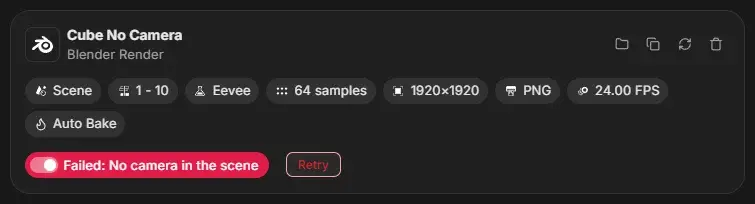
- Read the reason on the card, fix it in the job settings or in the
.blend, and reload the job if you changed the file. See Render error messages. - Click Retry next to the status.
- The job returns to Queued. Press Start if the queue is not running.
What Retry does:
- Clears the error and the failure counters.
- Deletes the job's preview images.
- Renders the whole frame range again from the first frame.
If you do not want to fix the job now, turn its switch off to skip it instead.
Reset a paused job
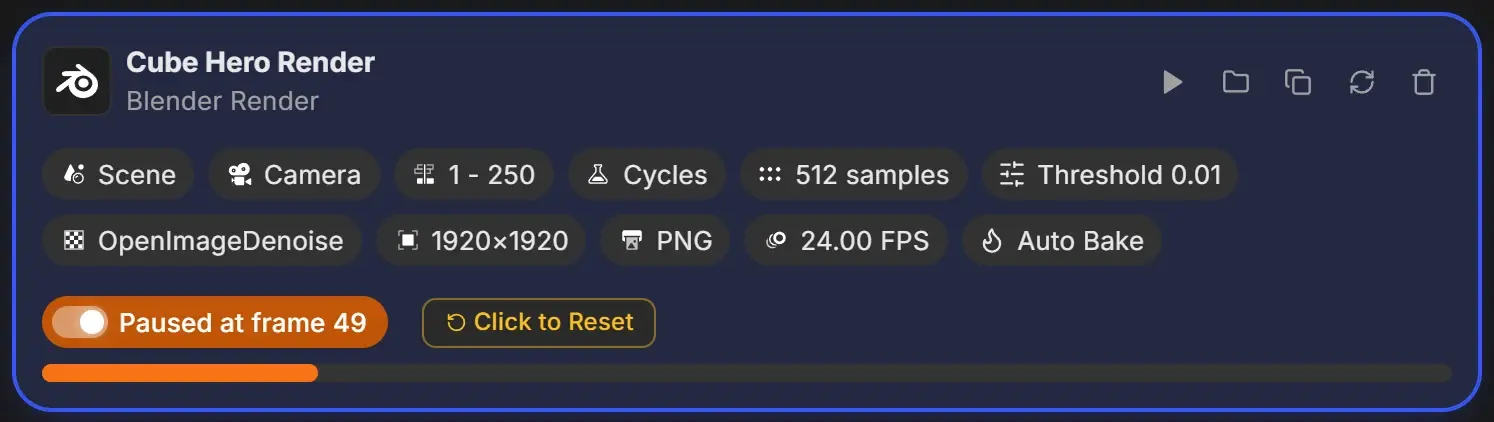
A paused job resumes from its paused frame when you press Start. To render it from the beginning instead:
- Click Click to Reset next to the status.
- The job returns to Queued at its first frame, and its timers and counters are cleared.
The next render goes into a new output folder when your output template uses a date or version folder, so the frames from the earlier attempt are kept.
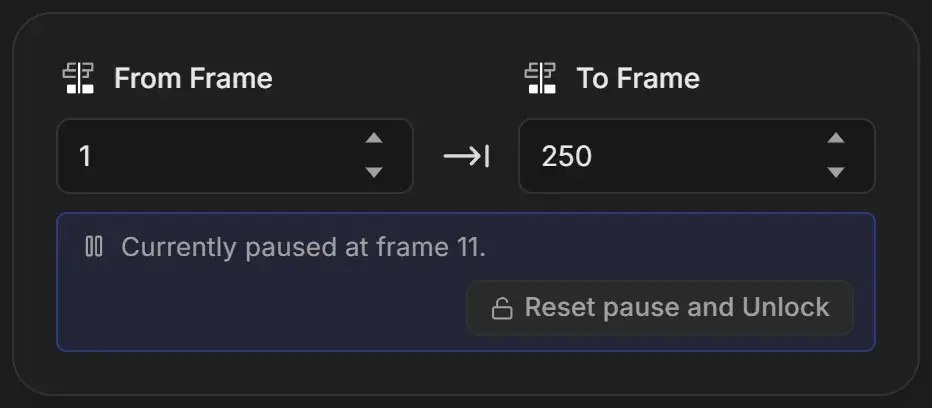
Unlock the frame range of a paused job
While a job is paused, its frame range cannot be edited. The frame range card shows "Currently paused at frame 11." with Reset pause and Unlock. Click it to clear the pause and edit the range.
Render a finished job again
Done jobs have no Retry or Reset. Duplicate the job and render the copy.