Render Queue
Restore Removed Jobs From History
Bring a removed or cleared render job back to the RenderGod queue with its settings from History, and learn what a restored job does and does not include.
Every job you remove from the render queue, or clear with Clear Queue, is kept in History with its settings. Restore a job from History when you removed it by mistake or want to render it again.
Restore a removed job
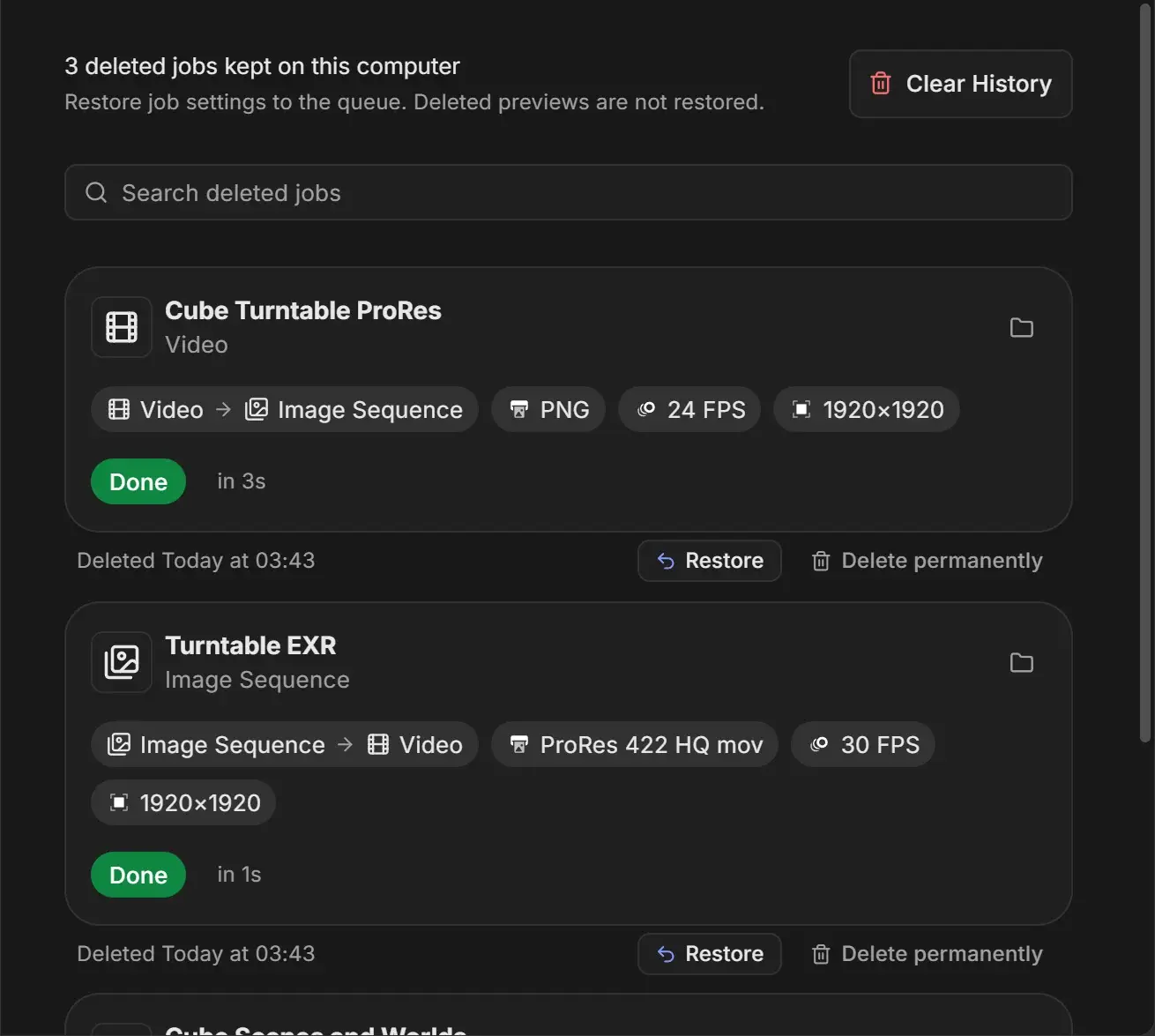
- Open Settings at the top right of the window.
- Choose History. The list shows every removed job with when it was removed, for example "Deleted Today at 14:05".
- Type in Search deleted jobs to find a job by name, scene, camera, file path, engine or format.
- Click Restore under the job.
The job returns to the queue and a message confirms it, for example ""Cube Hero Render" is back in the queue". For the full History page, including permanent deletion and Clear History, see History settings.
What comes back and what does not
| Item | Restored |
|---|---|
| All job settings (scene, camera, frames, render settings, output, overrides) | Yes |
| Preview images | No. They were deleted when the job left the queue. |
| Rendered frames and videos in the output folder | Never deleted, so they are still there |
Which jobs end up in History
| Action | Kept in History |
|---|---|
| Remove button or Remove from Queue | Yes |
| Clear Queue | Yes, every cleared job |
| Duplicate for Every… | Yes, the original job that was split |
History stays on this computer until you delete entries or clear it. Resetting RenderGod's settings does not clear it.