Settings
Auto Bake Physics Default for New Render Jobs
Choose whether new render jobs bake cloth, fluid, particle and other physics simulations before rendering, and learn how each job can override the default.
The Auto Bake Physics setting decides whether new render jobs bake all physics simulations before the first frame renders. "Default for new render jobs. Each job can override it."
Open it from Settings > Auto Bake Physics, or click the gear icon on a job's Auto Bake Physics card.
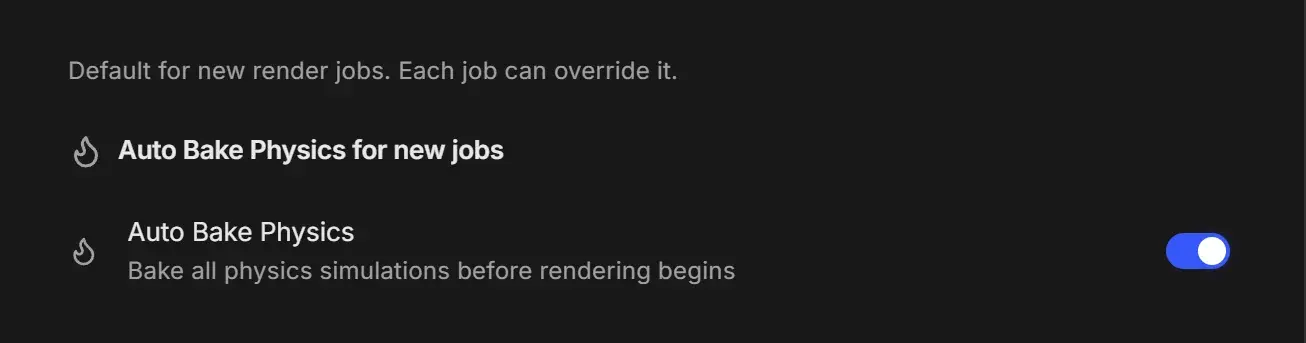
Setting
| Setting | Control | Default | What it does |
|---|---|---|---|
| Auto Bake Physics | Switch | On | "Bake all physics simulations before rendering begins." Simulations such as cloth, fluids and particles are baked first so every frame renders from the same cached result. |
Leave it on for animations with simulations. Turn it off if you bake caches yourself in Blender and do not want RenderGod to bake them again, or if your projects rarely use physics.
The switch on a job's Auto Bake Physics card always wins over this default.