Work With Several Blender Versions in RenderGod
Keep Blender 4.2, 4.5 and 5.x side by side, let RenderGod match each .blend to the version that saved it, and pick another version per job when needed.
Work with several Blender versions when projects were started in different releases, or when you want to test a new Blender without moving everything to it. RenderGod keeps a list of every installed Blender and chooses one for each job.
Set up your Blender versions
Install the Blender versions you need
Install each version in its own folder, as the Blender installer does by default (for example C:\Program Files\Blender Foundation\Blender 4.5\). A portable Blender unpacked from a ZIP can be added with Select Manually.
Let RenderGod find them
Open Settings > Blender Version Manager and click Auto Scan. Every version found is listed under Detected Installations, newest first.
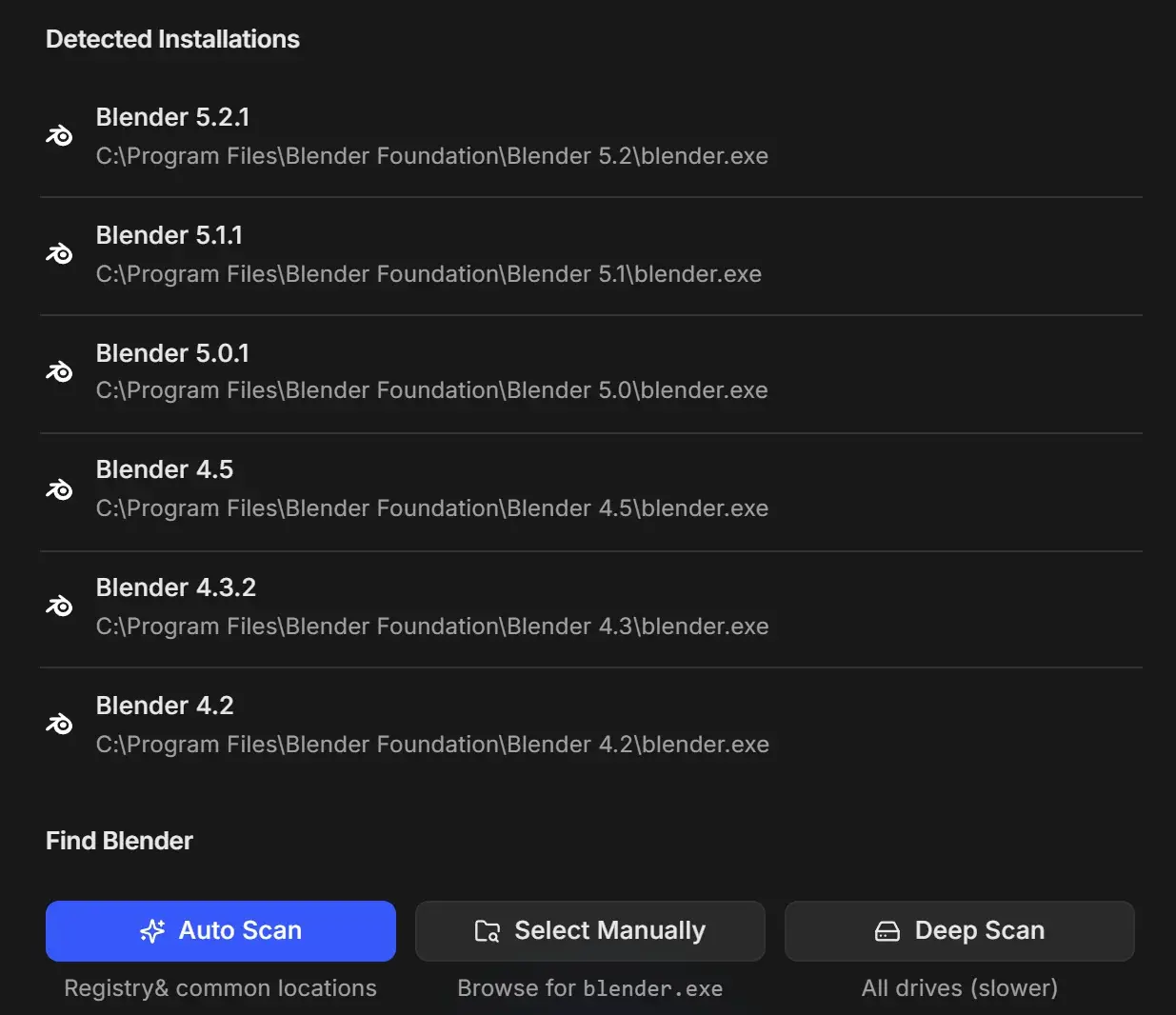
If a version is missing:
- Select Manually lets you pick
blender.exe(on macOS, Blender.app). - Deep Scan searches all drives. It is slower and available on Windows only.
Install the add-on in each version
The Send to RenderGod add-on is installed per Blender version. Open Settings > Install Blender Addon, tick the versions (4.2 or newer) and install. See Install the Blender add-on.
How RenderGod picks the version for a job
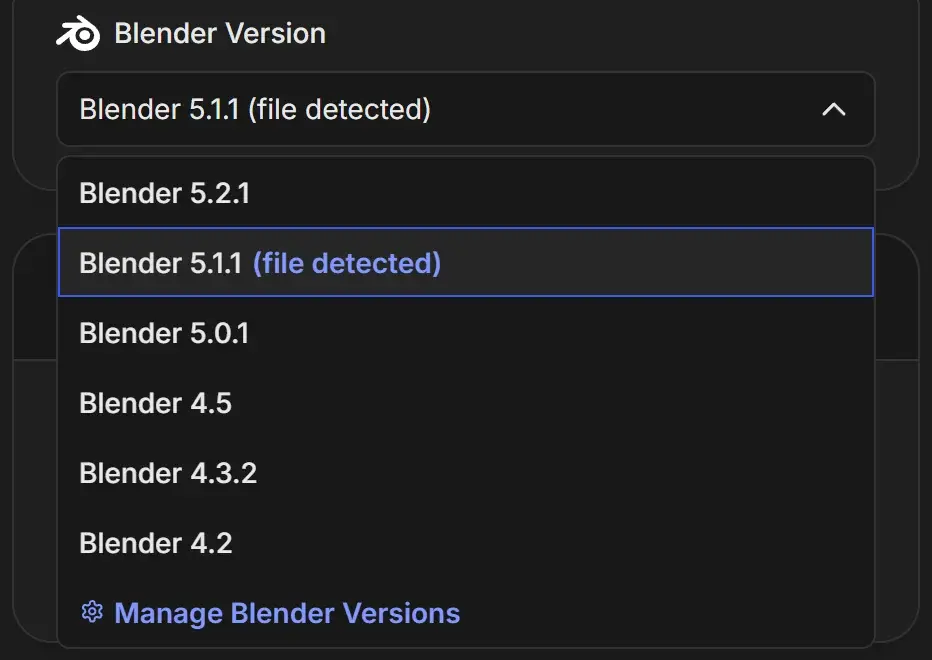
When you import a .blend, RenderGod reads which Blender version saved it and selects the matching installation, marked (file detected). If that exact version is not installed, it uses the closest installed version and shows a warning such as "Saved with Blender 4.3, will render with 4.5 (4.3 is not installed) - the picture can differ".
Render a job with a different version
- Select the job.
- Open Blender Version in the Render panel and choose the version.
- Click Start.
Each job keeps its own version, so a queue can render one file in Blender 4.5 and the next in 5.2. Open File in Blender in the right-click menu opens the file in the job's version.
Moving jobs between computers
An imported .rgjob that needs a version the computer does not have shows "Needs Blender" with the version number and a Manage Blender versions link. See Move a render job to another computer.
On macOS
Blender versions are found with Spotlight and common locations. Keep each version as a separately named app, such as Blender 4.5.app and Blender 5.2.app, in Applications. Deep Scan is not available on macOS.