Troubleshooting
Troubleshooting RenderGod Render Problems
Find the fix for failed Blender renders, missing previews, video encoding errors, Blender not being found and connection messages in RenderGod.
Use this troubleshooting section when a render fails, a preview stays empty or RenderGod shows a message you do not recognise. Start with the symptom you see.
Render error messages and fixes
Every Failed message on a job card and in notifications, with the fix.
Checks before a render starts
Why a job fails in a second without opening Blender.
Blender not found
RenderGod cannot find Blender, or the add-on cannot find RenderGod.
No Internet Connection message
The window that blocks RenderGod until the connection check succeeds.
Preview not showing
Empty preview cards, unreadable frames and browser previews.
Video encoding failed
Conversion jobs and Auto Create Video that end in Failed.
Frequently asked questions
Short answers to common questions.
Quick checks that solve most problems
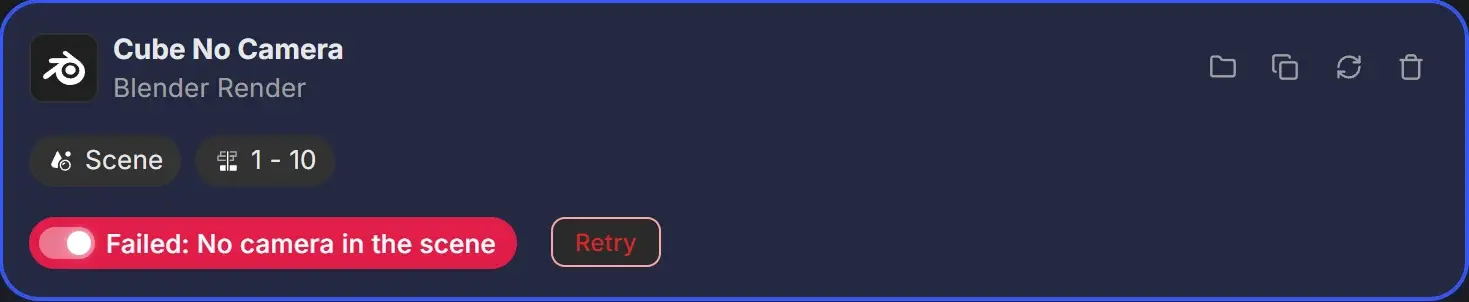
- Read the job card. A failed job shows Failed: with a reason, or a red box with the full message.
- Click Reload on the job if you changed and saved the
.blendafter importing it. See Reload settings after changing the .blend file. - Open the file in Blender from the job's right-click menu and render one frame there. If Blender fails too, the problem is in the scene.
- Check the output drive is connected and has free space.
- Update RenderGod from Settings > System Settings > Check for Updates.