Convert Audio Files to WAV, MP3, FLAC and More
Convert MP3, WAV, FLAC, M4A, OGG, Opus, AAC and WMA audio files to another format in RenderGod. Compare lossless and compressed options to pick the right one.
Convert audio files when a tool needs a different format, for example WAV for an editor, MP3 for a client or FLAC for an archive. You can import many files at once and convert them all in one queue run.
Convert an audio file
Import the audio
Click Import > Video / Audio and pick one or more audio files, or drag them onto the window. Supported files are .mp3, .wav, .flac, .m4a, .ogg, .opus, .aac and .wma.
Select the job
Click the job card. The panel shows Export Folder and Convert Audio Format To.
Choose the format and start
Pick a format and click Start. The new file keeps the source name with the new extension and is saved in <file name>_RenderGod next to the source, unless you change Export Folder.
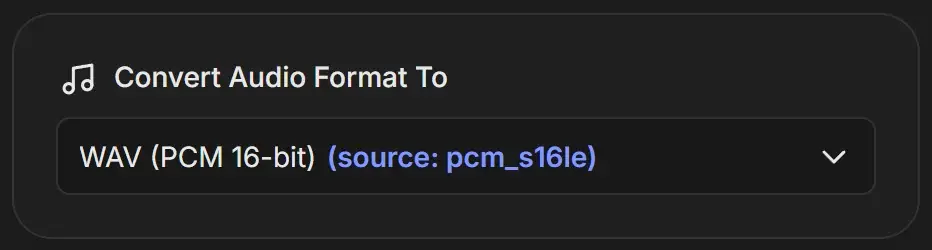
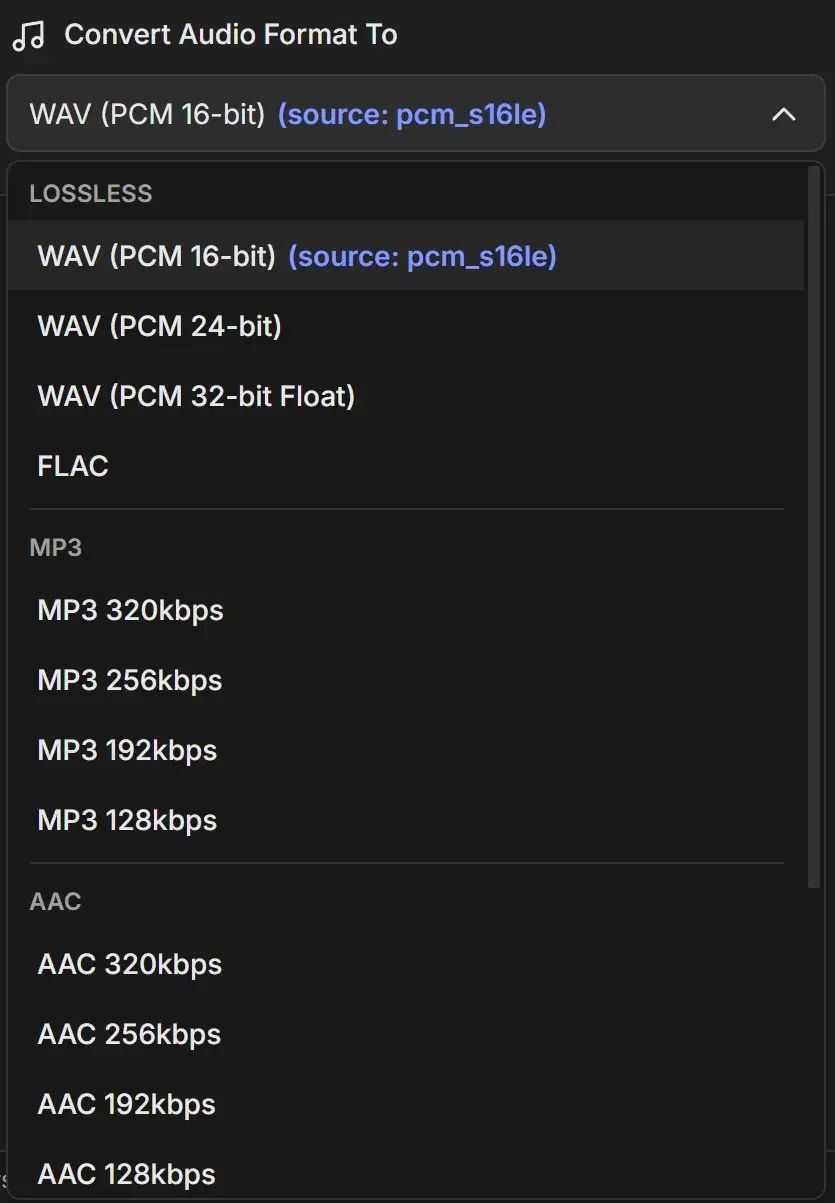
Pick a format
| Option | Quality | Size | Best for |
|---|---|---|---|
| WAV (PCM 16-bit) | Lossless, CD quality | Large | Editing, most video apps |
| WAV (PCM 24-bit) | Lossless, more headroom | Larger | Music and sound work, film mixes |
| WAV (PCM 32-bit Float) | Lossless, float | Largest | Audio that will be processed further |
| FLAC | Lossless | About half of WAV | Archiving without quality loss |
| MP3 320kbps to MP3 128kbps | Lossy | Small | Playback everywhere, email, quick reviews |
| AAC 320kbps to AAC 128kbps (.m4a) | Lossy, better than MP3 at the same bitrate | Small | Apple devices, web, video platforms |
| OGG Vorbis HQ, OGG Vorbis | Lossy, variable bitrate | Small | Games and open-source tools |
| OPUS 256kbps to OPUS 128kbps | Lossy, very efficient | Smallest | Voice, streaming, small files |
Tips
- The format that matches the source codec is marked (source: ...). The file is still re-encoded, so converting a lossy file (MP3, AAC, OGG) to another lossy format loses a little quality each time.
- Converting MP3 or AAC to WAV or FLAC does not restore lost quality. It only makes the file easier to edit.
- Sample rate and channels stay the same as the source.
- If you pick the source folder as Export Folder and the same format as the source, the new file replaces the original. Keep the default folder.