Watch Frames Live While Blender Renders
See each frame in RenderGod the moment Blender writes it. Follow the live render, scrub back to earlier frames and check the output of every File Output node.
RenderGod shows a live preview of your render at the top of the job's settings panel. Each frame appears as soon as Blender saves it, so you can catch lighting, camera or material mistakes early instead of after the whole sequence is done.
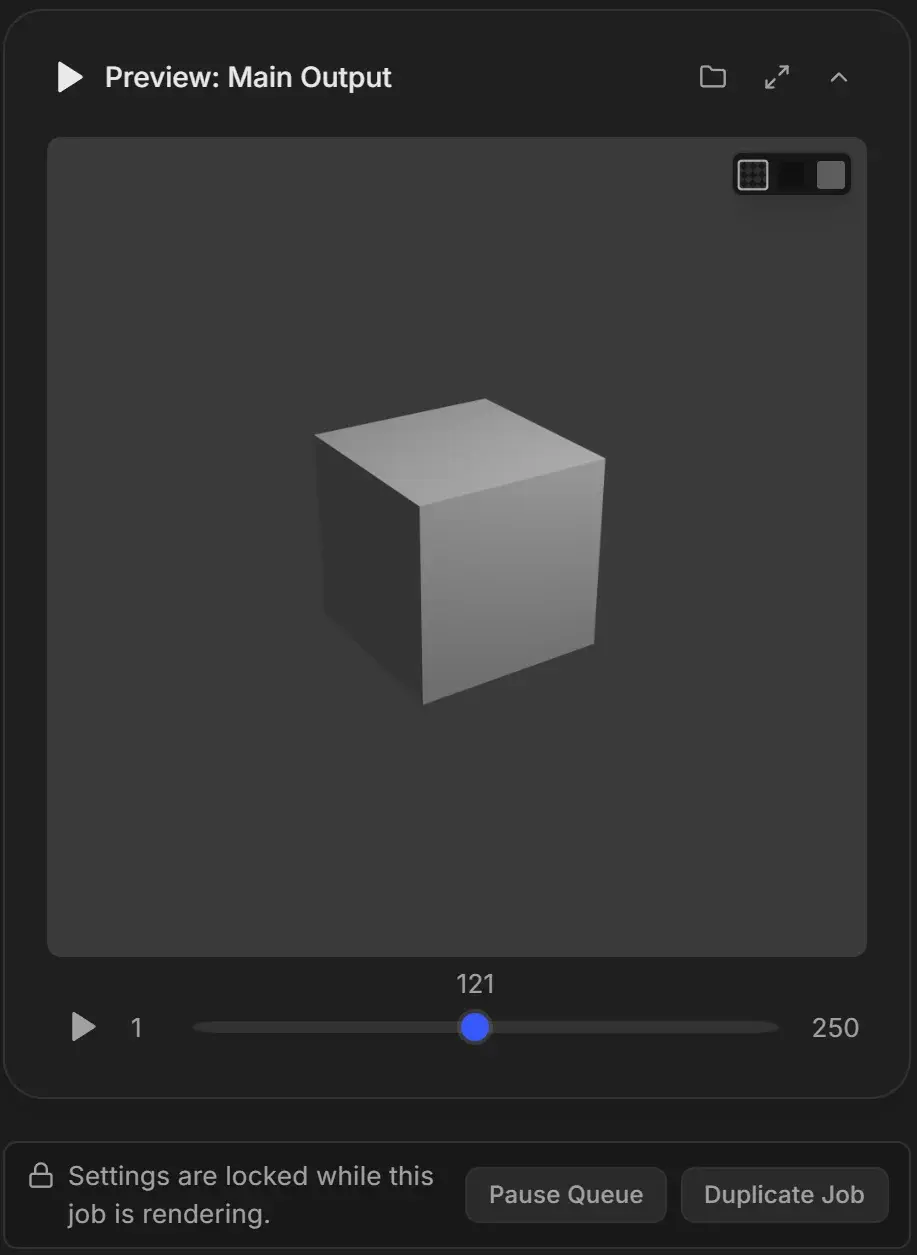
See the live preview
- Start the queue.
- Click the job card of the rendering job.
- The Preview: Main Output card at the top of the panel follows the newest frame.
While Blender opens the file, the card shows "Starting Render". If the job bakes physics first, it shows "Baking Physics" until the bake ends.
Look at an earlier frame during the render
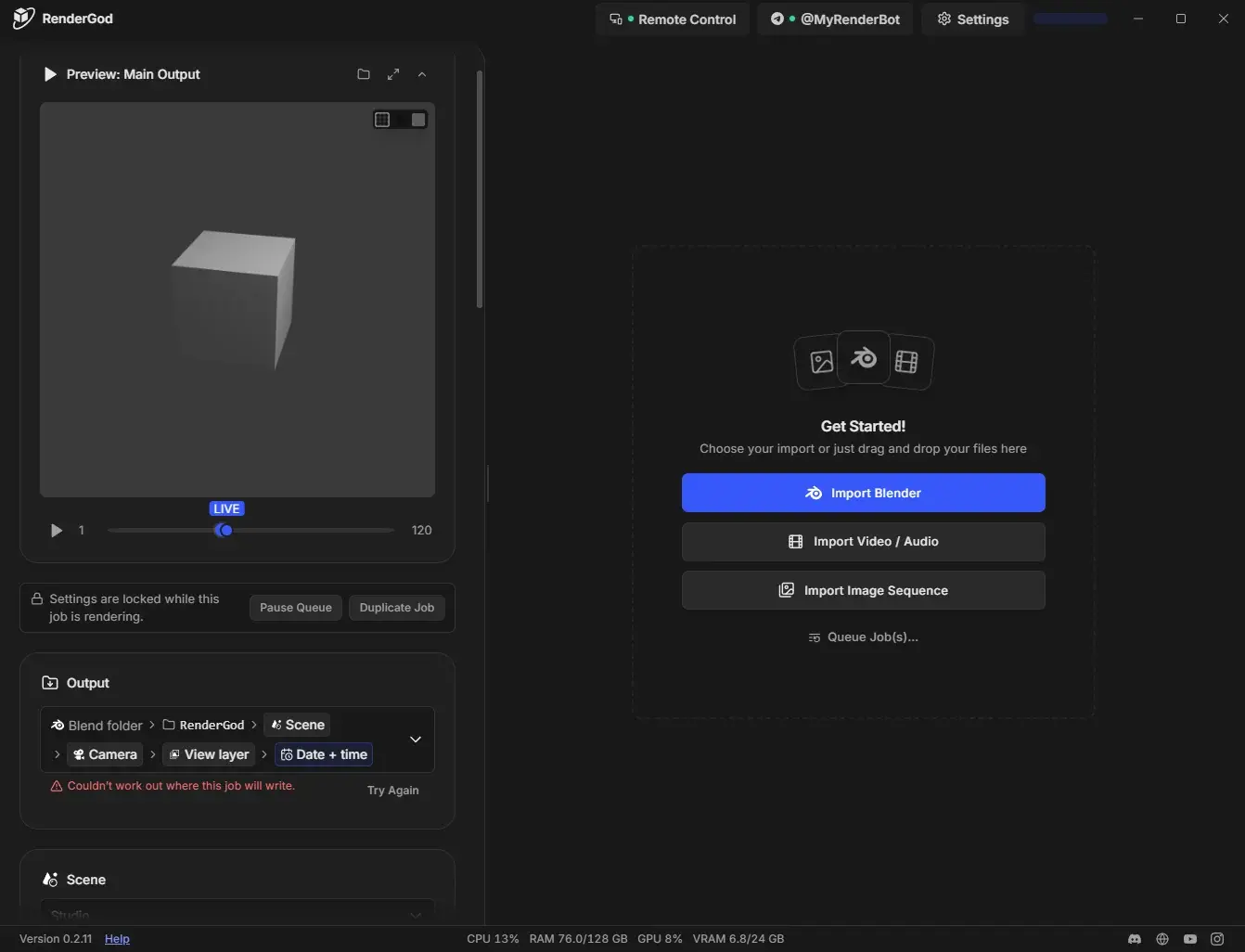
Drag the frame slider back to any finished frame. The preview stops following the render. A blue LIVE marker appears on the slider; click it to jump to the newest frame and follow the render again.
If you move the slider past the newest finished frame, the card shows "Rendering Frame N" and tells you which frame was finished last.
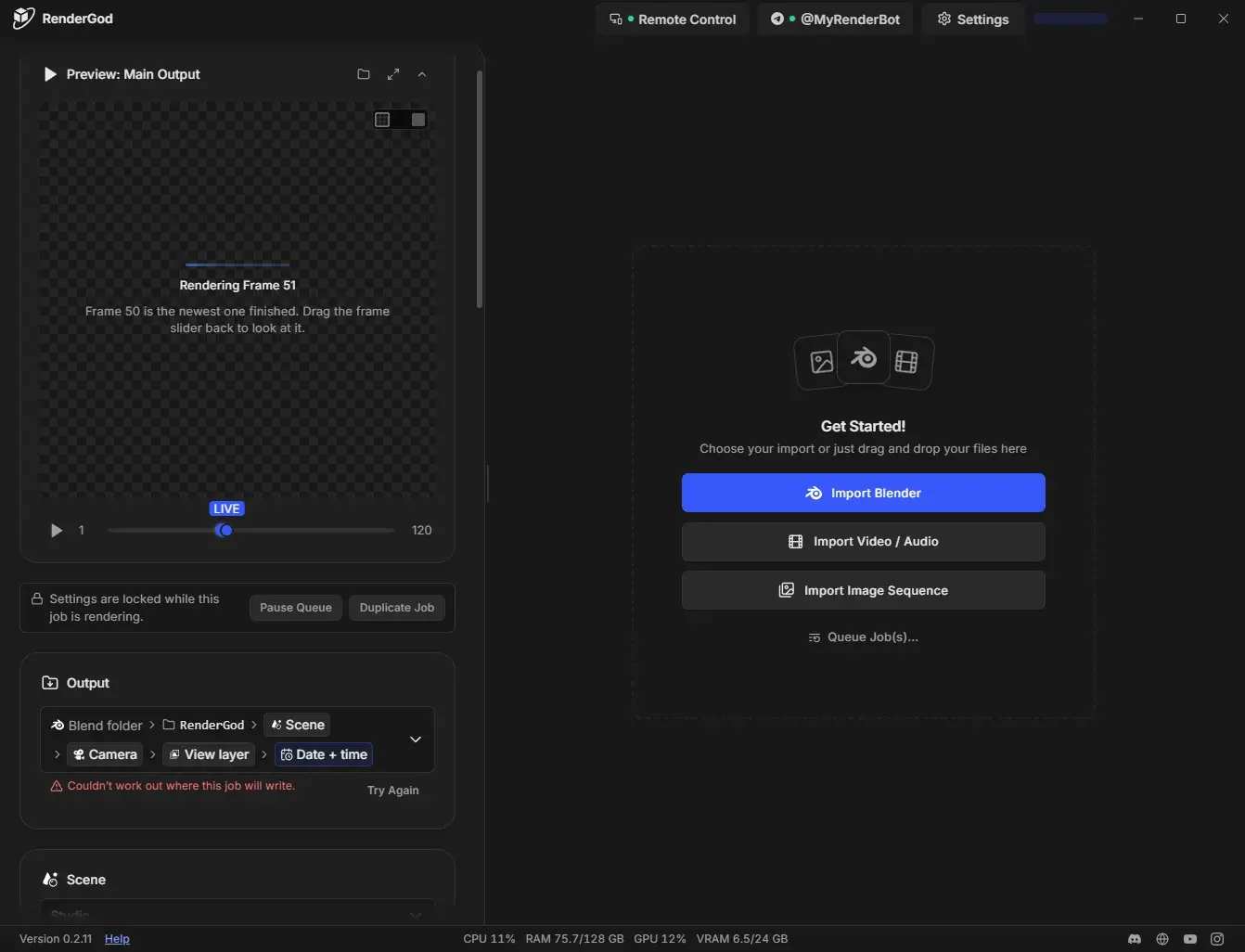
One preview card per output
| Card | Shows |
|---|---|
| Preview: Main Output | The scene's main render output |
| Preview: Main Output (Image) and similar | Each pass when the main output writes several sequences |
| Preview: node name | The output of a compositor File Output node. With several slots, the slot name is added, for example "Depth". |
Cards are listed with the main output first. See Render compositor File Output nodes.
When the preview card appears
- A job that has never rendered shows no preview card.
- A job that is rendering, or has frames in its output folder, shows the card.
- After the render, the card stays and lets you play back the finished frames.
If the job also has Auto Create Video on, a second card shows the encoded video. See Preview the output video.
Messages you may see
| Message | Meaning |
|---|---|
| "No Rendered Frames Yet" | Nothing has been written. Start the queue, or if the job failed, read the error on the job card. |
| "Loading Frame N" | The frame is being loaded. |
| "Preview Unavailable" | The frame could not be read. Open the export folder to check the file or step to another frame. |