Preview EXR, DPX, TIFF and Other Image Formats
RenderGod previews EXR, DPX, TGA and TIFF frames and ProRes or DNxHD video right in the app. Learn how preview proxies work and where they are stored.
RenderGod previews formats that a normal image viewer or browser cannot show, such as EXR, DPX, TGA and TIFF frames, and codecs like ProRes and DNxHD. You can check multilayer EXR renders and editing masters without leaving the app.
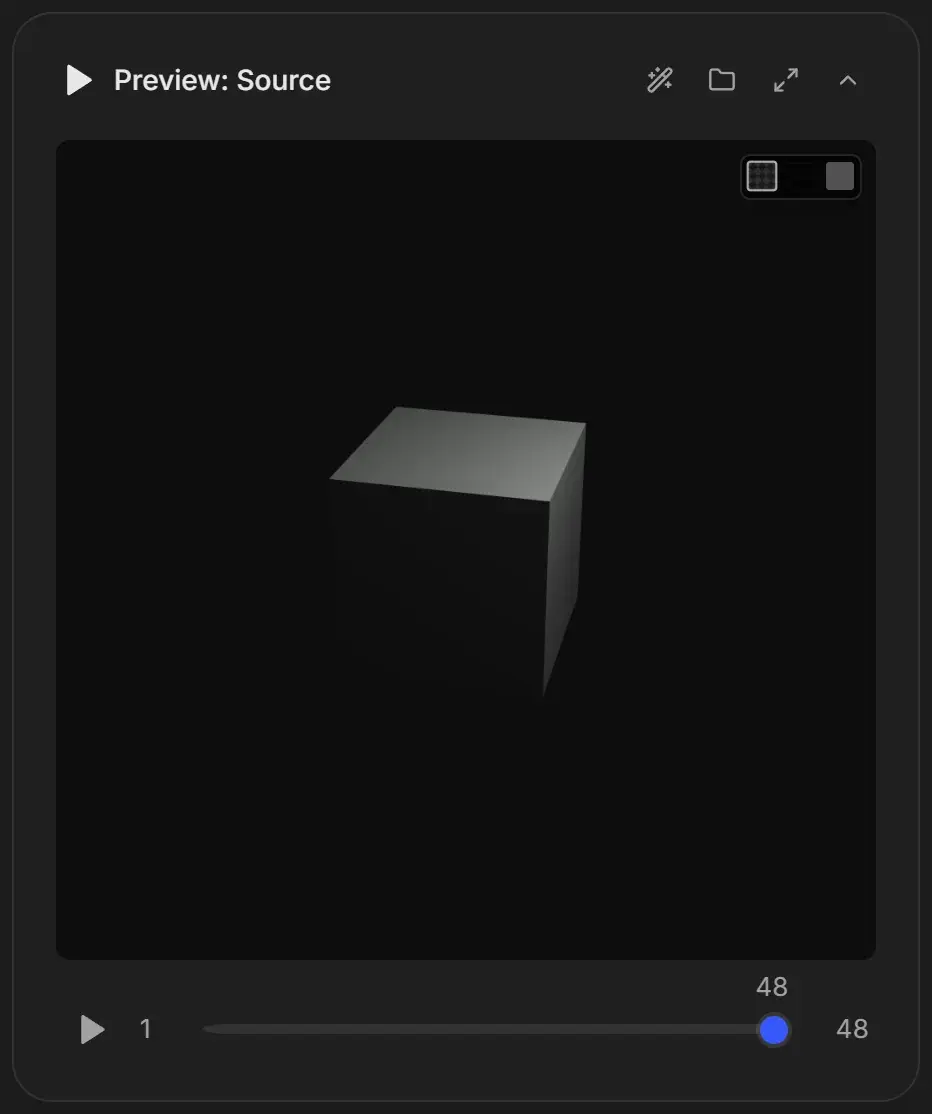
Supported preview formats
| Media | How it is shown |
|---|---|
| PNG, JPEG | Directly |
| EXR, DPX, TGA, TIFF, BMP frames | Decoded by RenderGod and shown as the frame |
| H.264, H.265, VP9, AV1 video | Played directly |
| ProRes, DNxHD, QuickTime Animation, uncompressed video | Played from a small H.264 preview copy that RenderGod builds automatically |
EXR frames are shown as a preview, not as a color-managed view. Linear EXR renders can look darker or flatter than in Blender's viewer. The files themselves are not changed.
Preview proxies
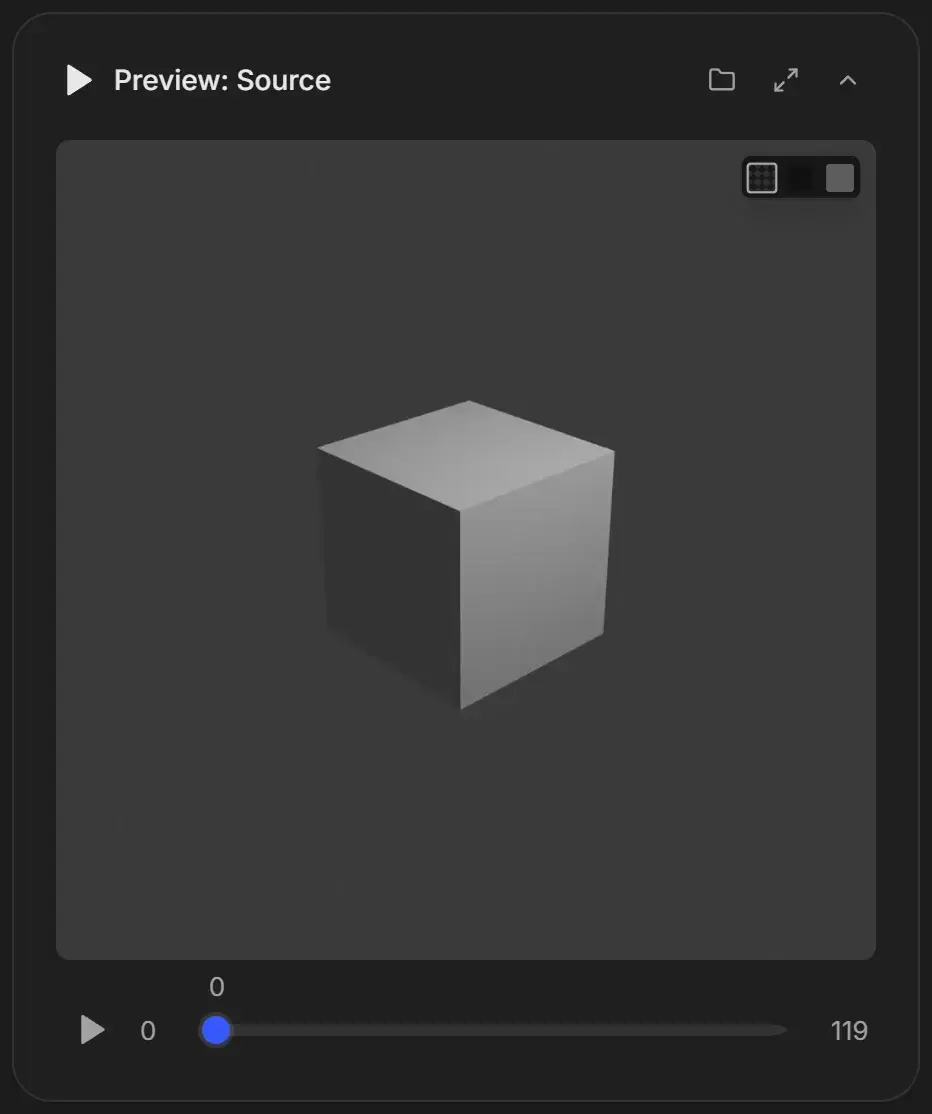
Large frames such as 4K EXR take time to decode, which makes playback and scrubbing slow. A proxy is a small JPEG copy of each frame, or a small H.264 copy of a video, used only for previewing.
Build proxies for an image sequence
On a conversion job, click the Build proxies button in the Preview: Source header. It "writes a small JPEG beside each frame so playback and scrubbing run at speed. The frames themselves are not touched."
If a card says "Cannot show these frames", click Build preview proxies to make the sequence viewable.
Video proxies are automatic
When a video uses a codec the preview cannot play, the card shows "Cannot play this format" and starts building a playable copy right away, with a timer such as "Building… · 4s" and a Stop button. If you stop it, click Build a playable preview to start again.
Where proxy files are stored
Proxies are saved in a hidden .previews folder inside the folder of the source media:
| Source | Proxy |
|---|---|
Image sequence frame shot_0001.exr | .previews\shot_0001.jpg, up to 960 pixels wide |
Video clip.mov | .previews\clip.mov.proxy.mp4 |
You can delete the .previews folder at any time. RenderGod builds the proxies again when needed. Exclude it when you copy or deliver the folder.