Preview the Output Video and Conversion Sources
Play the video that Auto Create Video encodes after a render, and preview the source of any conversion job, right in RenderGod without another player.
RenderGod lets you play the output video of a render job and the source media of a conversion job inside the app, so you can check the result or the input without opening another player.
Preview the video from Auto Create Video
When a render job has Auto Create Video turned on, a Preview: Output Video card appears at the top of the job's settings panel.
| When | What the card shows |
|---|---|
| While the frames are being encoded | "Encoding Output Video" and "The rendered frames are being encoded. The video plays here when it is written." |
| After the video is written | The video, with play, a frame slider, zoom and pan |
| The video uses ProRes, DNxHD or another codec the preview cannot play | "Cannot play this format", then an automatic playable copy is built, with a Stop button |
The card sits next to the Preview: Main Output card, so you can compare the rendered frames with the encoded video. All the usual preview controls work.
Preview the source of a conversion
Image sequence and video conversion jobs show a Preview: Source card at the bottom of the panel. It always shows the media you imported, never the converted result. Audio jobs have no preview.
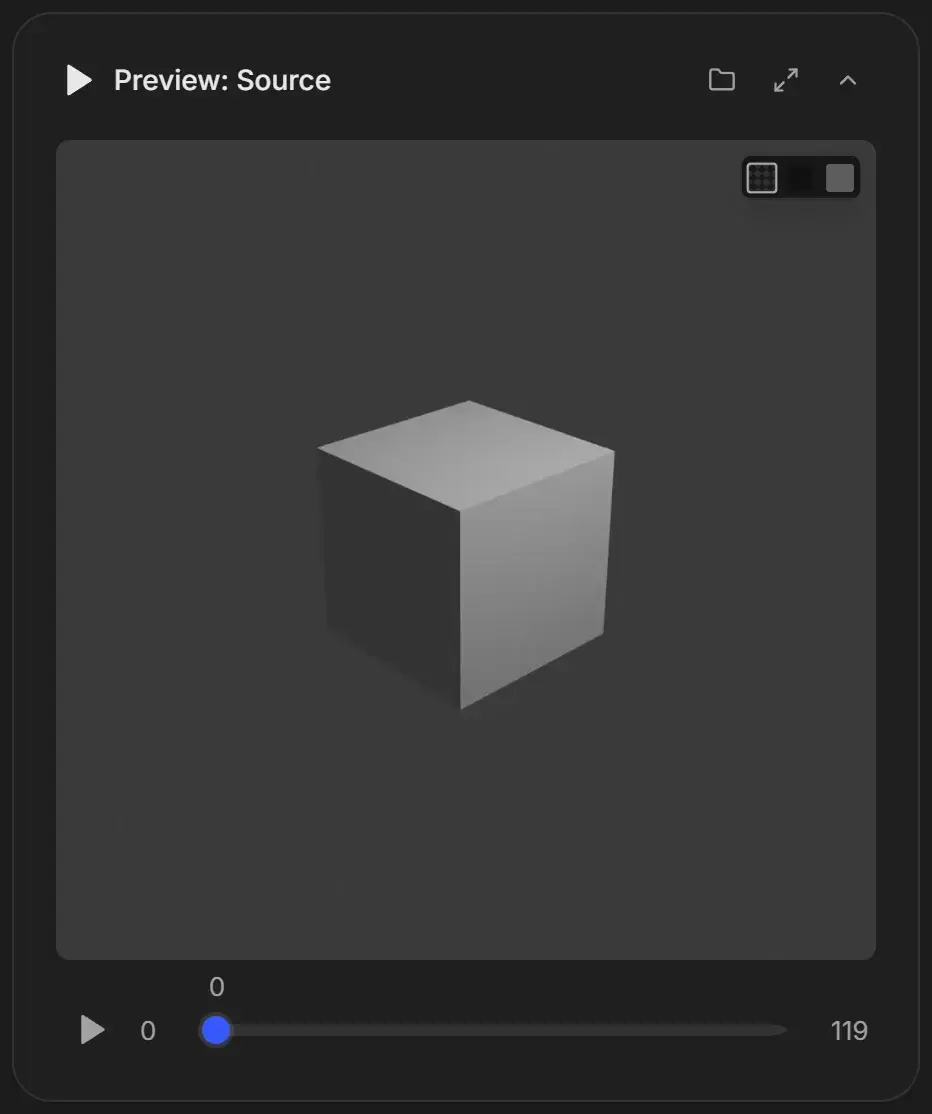
| Message | What to do |
|---|---|
| "Looking Up Media" | Wait while RenderGod reads the file. |
| "Source File Not Found" | The file was moved, renamed or is on a disconnected drive. Reconnect the drive or put the file back, then click Check Again. |
| "Cannot play this format" | A playable copy is being built. Wait, or click Stop. |
| "Cannot show these frames" | Click Build preview proxies. See Preview EXR, DPX, TIFF and other formats. |
To check the converted file, click Open Export Folder on the job card when the job is done and open it in your usual player.
From a browser
When you control RenderGod from a browser, video playback is not available and the card says "Video Playback Is Not Available Here". Watch it on the computer running RenderGod. See What you cannot do from a browser.