Importing Files
Send a Scene From Blender With the Add-on
Skip the file picker and add the open Blender scene to the RenderGod render queue with one click on Send to RenderGod in the RenderGod Blender add-on.
Send a scene from Blender when the file is already open: the RenderGod add-on saves the .blend and adds it to the render queue, with no file picker.
- Install the add-on once and restart Blender.
- Save your file at least once.
- Click Send to RenderGod in the 3D Viewport sidebar (N, RenderGod tab) or at the bottom of the Render menu.
RenderGod comes to the front, or starts if it was closed, and the file is added as a new queued job at the bottom of the queue.
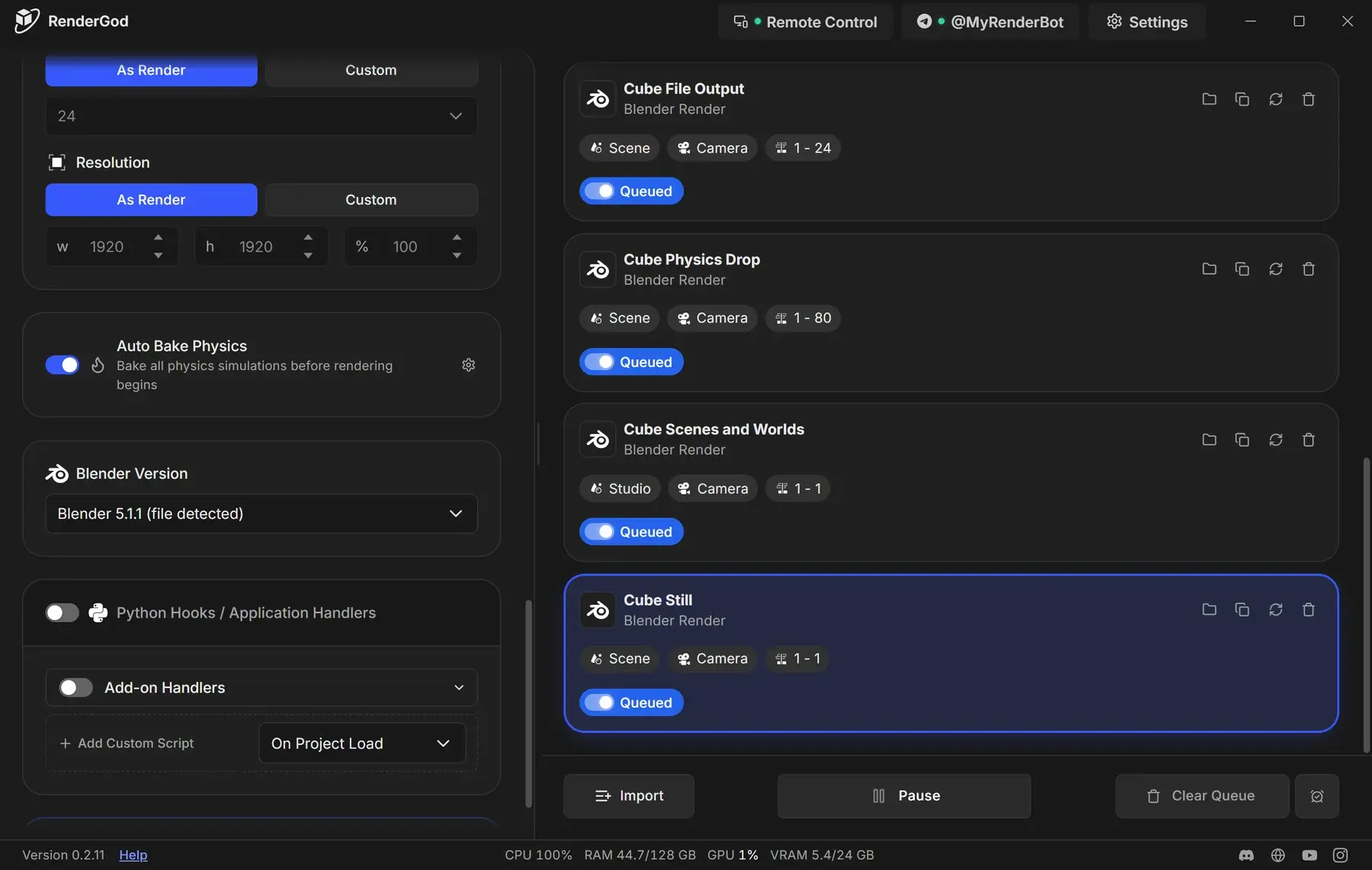
Each send adds a new job. It does not update a job you already imported. For the sidebar messages and fixes for a failed send, see Send the current scene to RenderGod.