Importing Files
Drag and Drop Files Into RenderGod
Drag .blend files, videos, audio, image sequences and .rgjob job files onto the RenderGod window to add them to the render queue in one move.
Drag and drop is the fastest way to add files to RenderGod. Drop one file or a whole selection anywhere on the window, not only on the queue, and each file becomes a job.
Drop files on the window
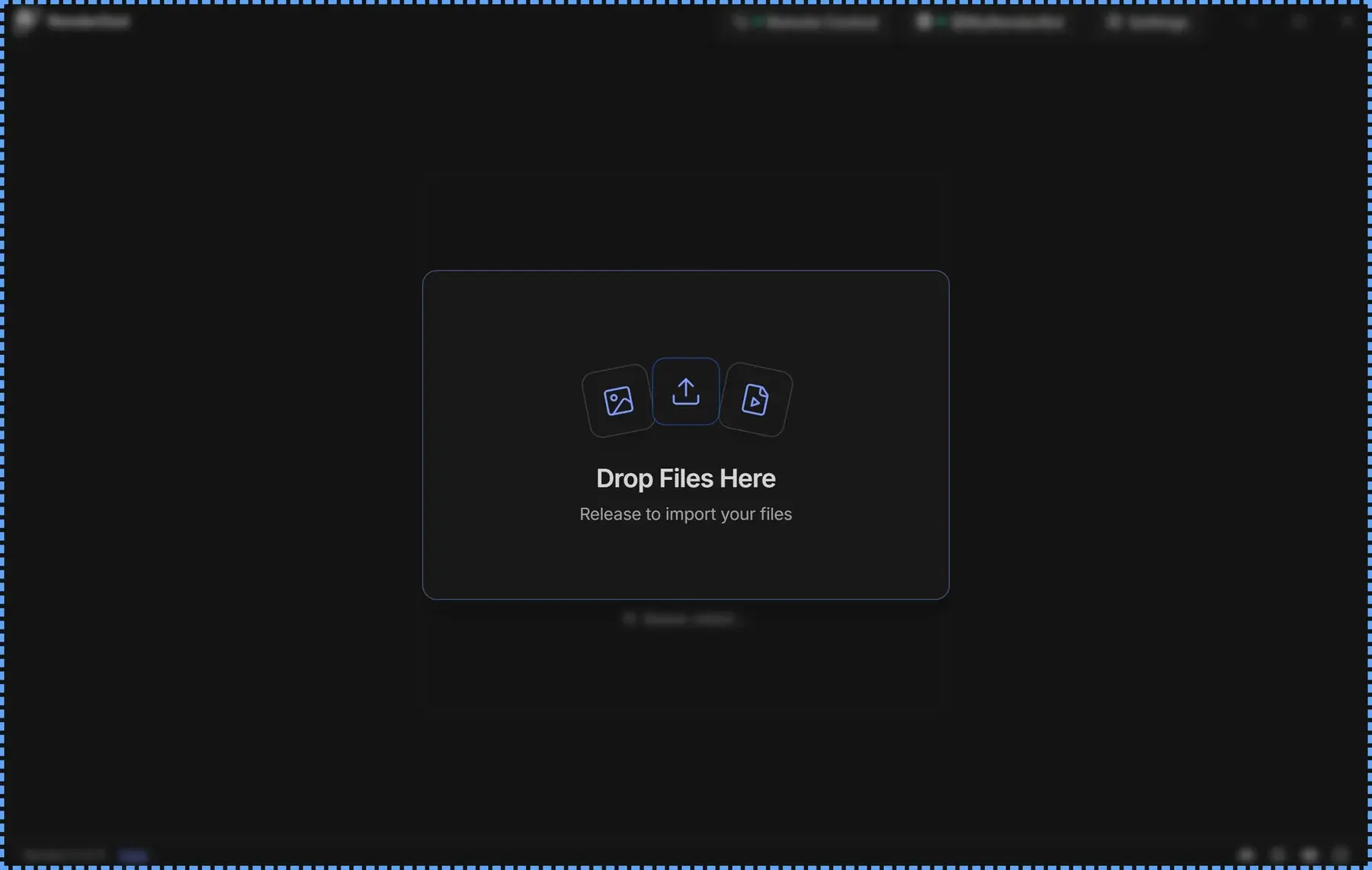
- Select files or folders in Explorer (Windows) or Finder (macOS).
- Drag them over the RenderGod window. A full-window overlay appears with Drop Files Here and "Release to import your files".
- Release the mouse button. New job cards appear at the bottom of the queue.
What each dropped item becomes
| You drop | Result |
|---|---|
A .blend file | A Blender Render job. See Import .blend files. |
| A video file | A Video job that converts the video. See Import video and audio. |
| An audio file | An Audio job. |
| A folder of images | An Image Sequence job. |
| A single image file | An Image Sequence job for the folder that holds the image. See Import image sequences. |
A .rgjob file | The jobs saved in that file. See Export and import job files. |
Files of any other type are refused with "Unsupported file type" and the file name. The full list is in Supported file types.
Messages you may see
| Message | Meaning |
|---|---|
| "Imported 3 files - 3 jobs created" | Several files were added. |
| "Failed to import 2 files." | Some files could not be added, usually because of their type. |
| "Files are already being processed..." | You dropped the same files again while the first drop was still importing. Wait for the first import to finish. |
| "Failed to import dropped files. Please try again." | The drop could not be read. Drop the files again. |
| A file name followed by a warning | The file was added, but something in it needs a look, such as a missing linked file. |
Drag and drop works in the RenderGod desktop app only. When you control RenderGod from a browser, files have to be imported on the computer that renders. See What you cannot do from a browser.